Waky
English

Zaco Labs

No more switching it off and going back to sleep

Waky is an alarm you can only stop by clearing a mission. It wakes you with a sound you recorded yourself, then helps you start the day by working through your morning habits.

iOS · Android · Free to download
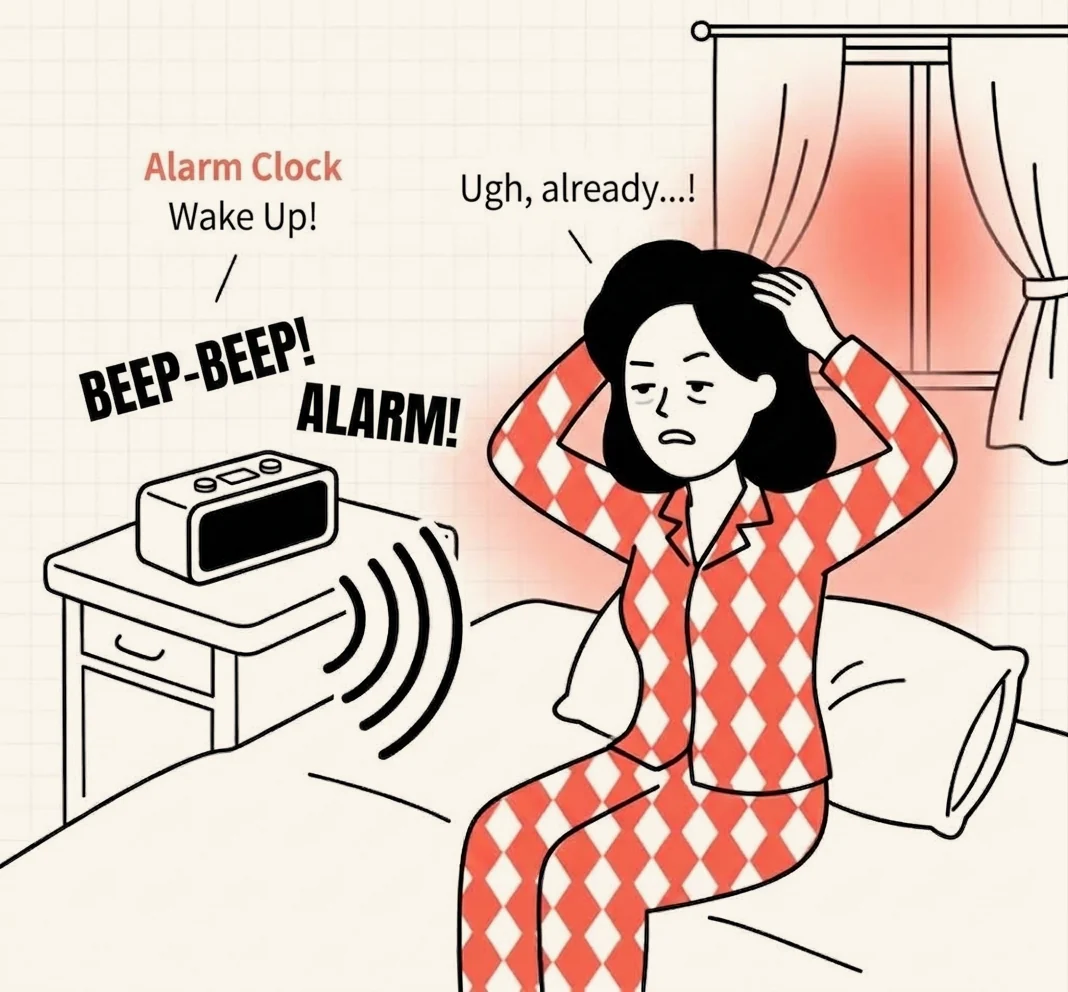
Illustration of a person startled awake by a beeping alarm clock, sitting up in bed

What makes Waky different

Instead of making the alarm louder, we made it harder to ignore.

  • An alarm you have to earn

    The alarm keeps going until you finish a mission that needs a working brain — Object Scan, a math problem, or spotting the odd color tile. No more dismissing it half asleep.

  • Your own recorded alarm sound

    Record up to a minute of anything — "You've got that presentation today, get up!" or a sound you love — and use it as your alarm.

  • Morning habits after you get up

    Add what you want to do each morning, like drinking water or stretching. Waky reminds you at that time and you check them off right on the Lock Screen.

  • A wake-up record that builds

    When you got up and how often you snoozed are logged automatically, so a heatmap and your streak show your pattern at a glance.
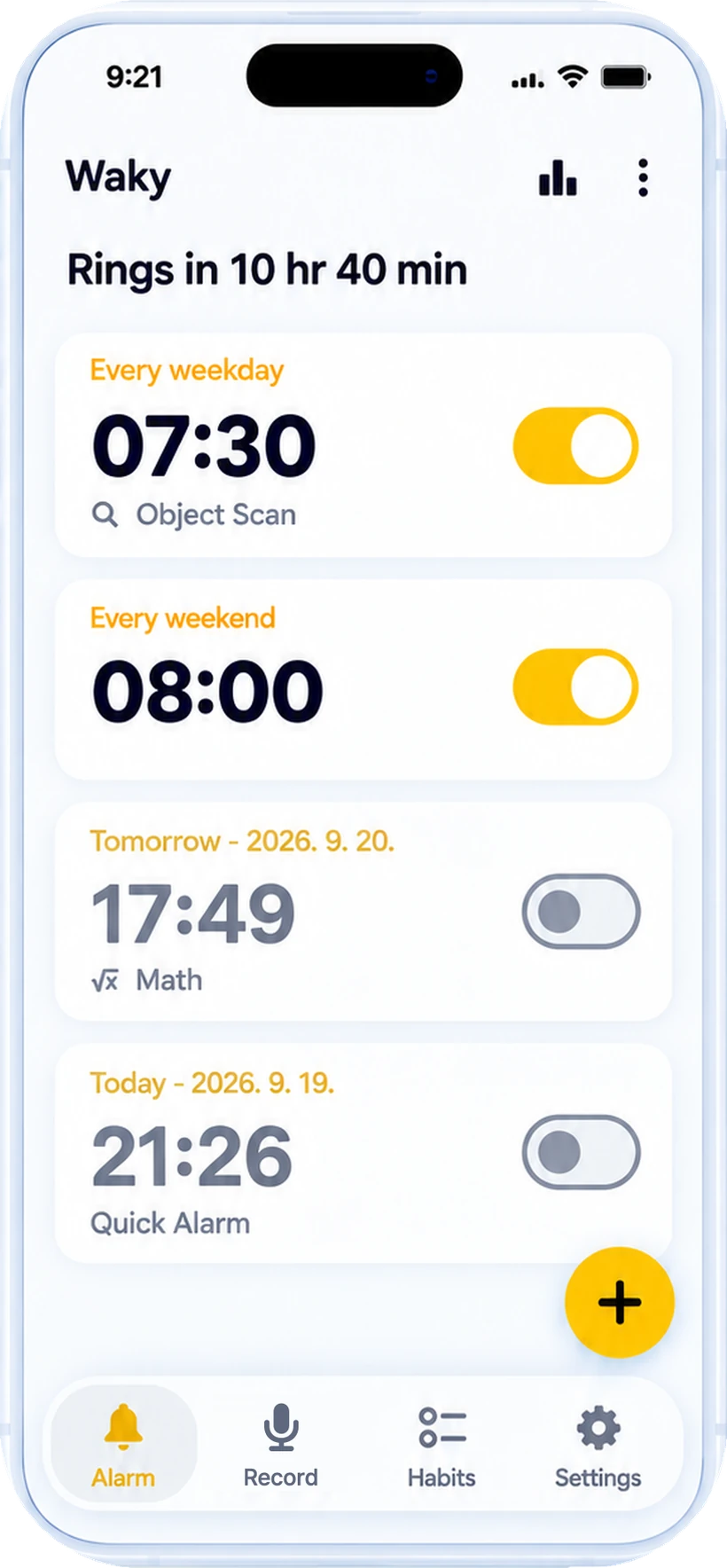
Waky alarm list screen
Alarm list — repeat days and missions at a glance.

Three steps to set it up

From first launch to a working alarm takes about a minute.

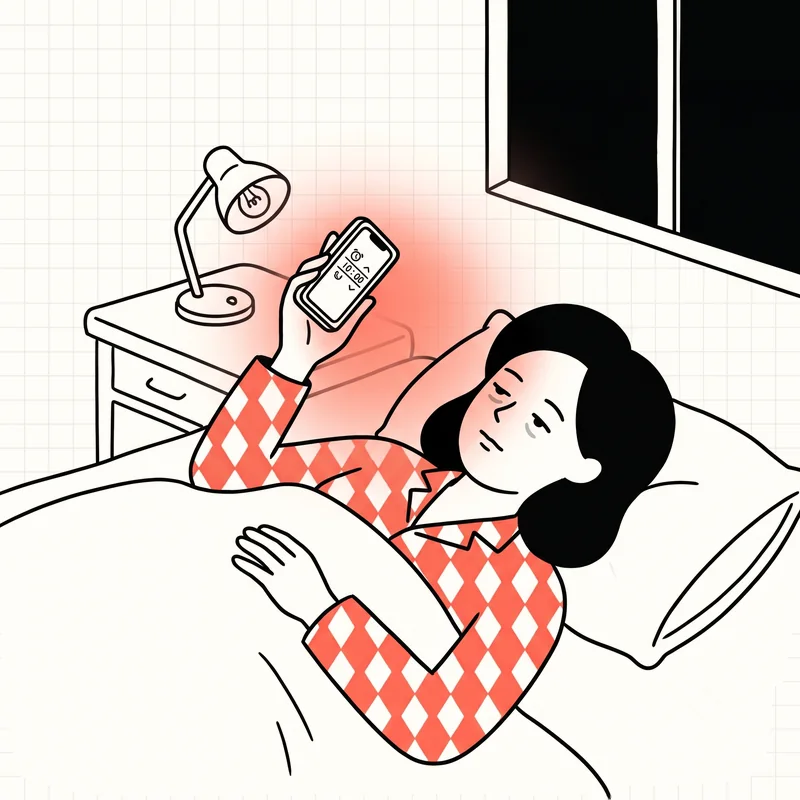
  1. Illustration of a person lying in bed at night setting an alarm on their phone

    Set the alarm time

    Choose when to get up, exactly like the alarm you already use.

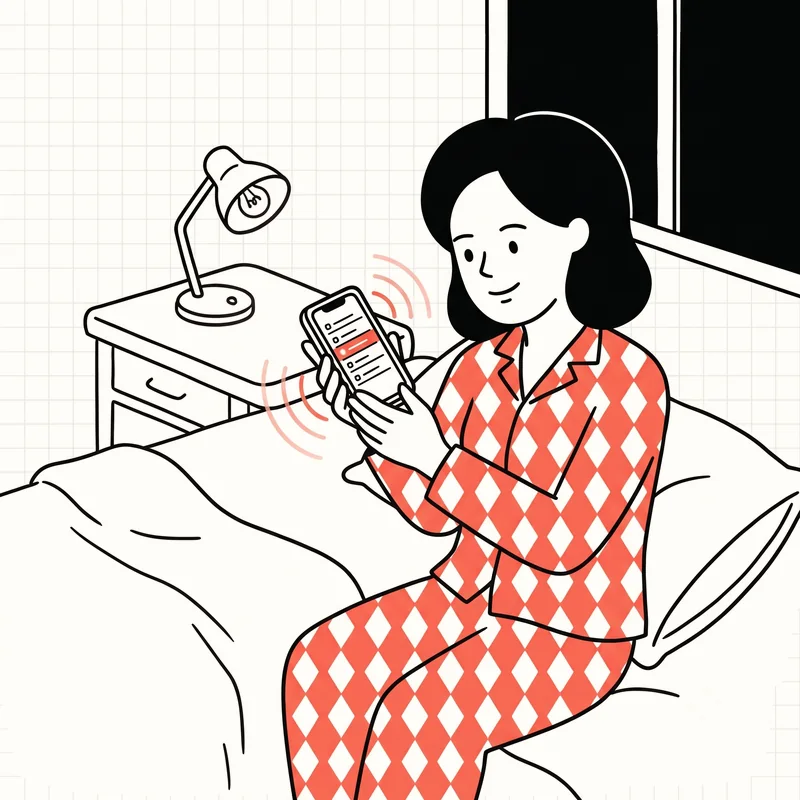
  2. Illustration of a person sitting on the bed previewing alarm voices on their phone

    Pick a mission and a sound

    Choose the mission you'll solve to stop the alarm, then a built-in sound or one you recorded yourself.

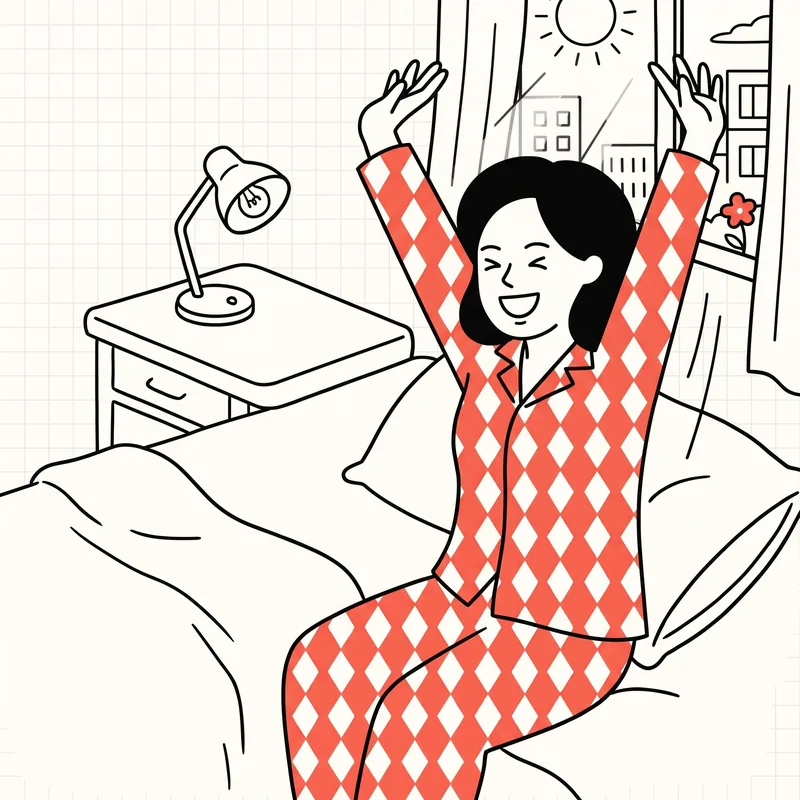
  3. Illustration of a person stretching awake in the morning sunlight

    Clear the mission and get up

    By the time you've solved the mission in the morning, you're already awake.

Frequently asked questions

Anything else, just send us an email.

What can I do if I've gotten used to my alarm and sleep through it?
When you hear the same sound every morning, your brain learns to treat it as background rather than something worth waking for. Turning the volume up on a sound you have already tuned out rarely helps; changing the sound itself does. Your own voice saying real words is much harder to let slide than a plain beep. In Waky you can use a recording of your own voice as the alarm, and because stopping it means clearing a mission, sleeping through it is hard.
Why do I sleep through several alarms in a row?
Once dismissing an alarm becomes routine, you do it almost without waking — often with no memory of it afterwards. Stacking more alarms also breaks your last stretch of sleep into short fragments, which tends to leave you feeling worse when you finally get up. One alarm you actually register usually works better than five you can dismiss on autopilot.
Is there an alarm app you can only stop by solving a mission?
Yes — that's Waky. Choose from Object Scan (point the camera at an object you picked), math problems, or finding the odd color tile. iOS also has a Push-Ups mission and Android a Pattern mission. The alarm keeps ringing until the mission is done.
Can I make an alarm sound with my own voice?
In the Record tab, tap the record button to capture up to a minute. You can set the recording as an alarm or habit sound right away, and the file stays on your device.
How do I set up morning habits?
In the Habits tab, pick from 85 presets in 11 categories — wake-up, washing, meals, exercise and more — or make your own, and set a time. An alarm rings at that time, and every habit you complete earns XP toward the next level.
Besides the alarm, what else helps with waking up?
Going to bed at a consistent time and getting bright light soon after you wake are the usual recommendations. Those habits take a while to settle in, though, so it is practical to pair them with an alarm you reliably notice in the meantime. An alarm will not replace a sleep routine, but it can hold the line while one is forming.
Where can I see my wake-up history?
When you stop an alarm, the time you got up and how many times you snoozed are recorded automatically. A wake-up heatmap, your streak and success rate by weekday show your pattern.
Can I use it for a quick nap?
With Quick Alarm, just tap a +N minutes button and the alarm is set — no time picker needed. Handy for naps and short breaks.
How do I get in touch?
Email zaco.labs@gmail.com. It goes straight to Zaco Labs, the team behind Waky.

Actually get up tomorrow morning

Waky is free on iOS and Android.